
Logo Artwork Guide for Custom Golf Accessories
Send a vector logo file (AI, EPS, PDF or SVG) with your brand colors listed, and tell the supplier which product and logo method you want. Vector artwork scales cleanly to any size, which matters on small items like ball markers and tees. A PNG or JPG can work as a starting point, but fine lines, small text and gradients often need simplifying for embroidery, enamel, debossing or pad printing.
Key Takeaways
- Vector files (AI, EPS, PDF, SVG) are the best artwork for every logo method.
- Each method has limits: embroidery dislikes tiny text, enamel needs metal lines between colors, pad printing prefers few colors.
- Simplify the logo for small products; a one-color version is often sharper than the full-color mark.
- List exact brand colors so thread, enamel and ink can be matched.
- Digital mockups are free, so ask for one before deciding on size and placement.
Which File Formats Should You Send?
| Format | Type | Use it for |
|---|---|---|
| AI, EPS | Vector | Best for all methods; easy to separate colors |
| PDF (vector) | Vector | Good if exported from design software with vectors preserved |
| SVG | Vector | Good for simple logos; check fonts are converted to outlines |
| PNG, JPG | Raster | Acceptable for a first mockup; may need redrawing for production |
Two tips save time: convert fonts to outlines so text displays correctly on any computer, and include a one-color version of your logo if you have one.
How Does Each Logo Method Affect Your Artwork?
| Method | Used on | Artwork tips |
|---|---|---|
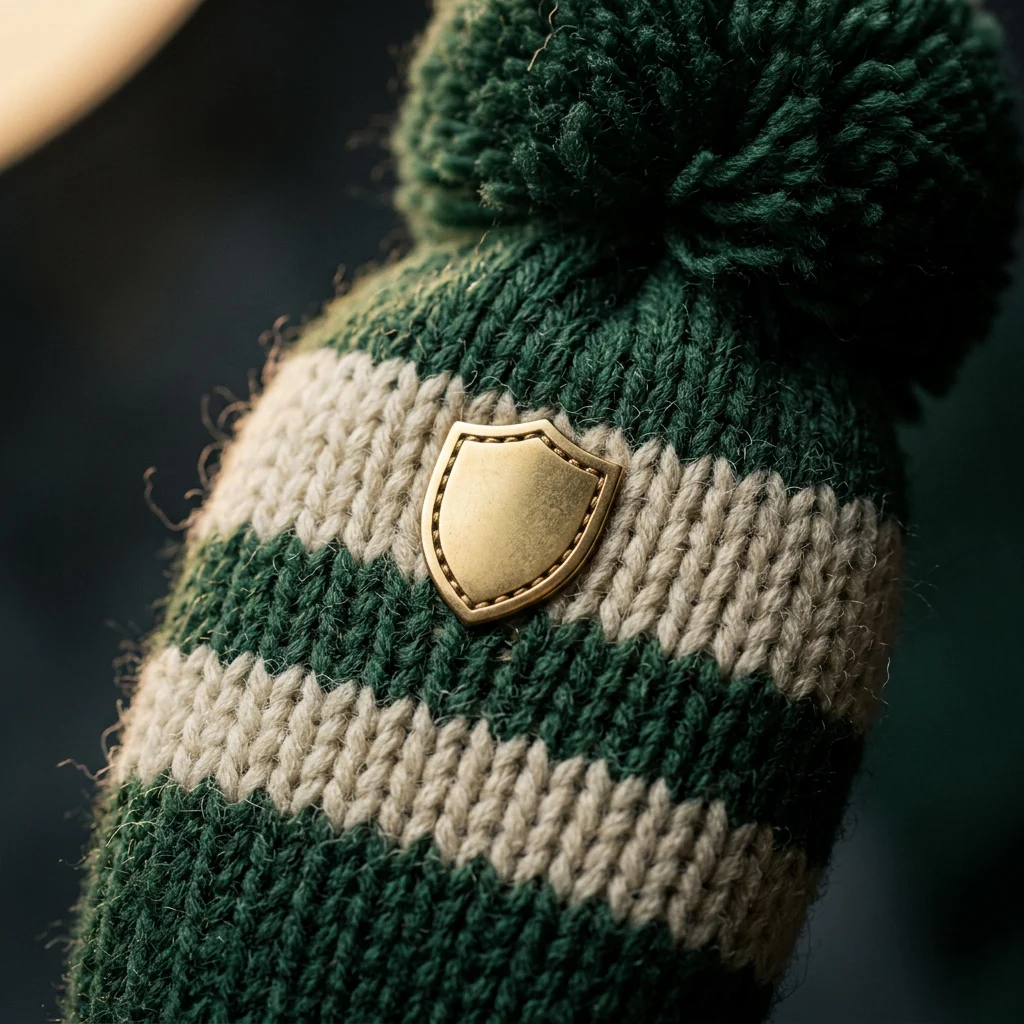
| Embroidery | Headcovers, towels, caps, gloves | Avoid very small text and hairline details; limit colors for a clean result |
| Patch | Headcovers, caps | Allows more detail than direct embroidery; consider woven or leather patches |
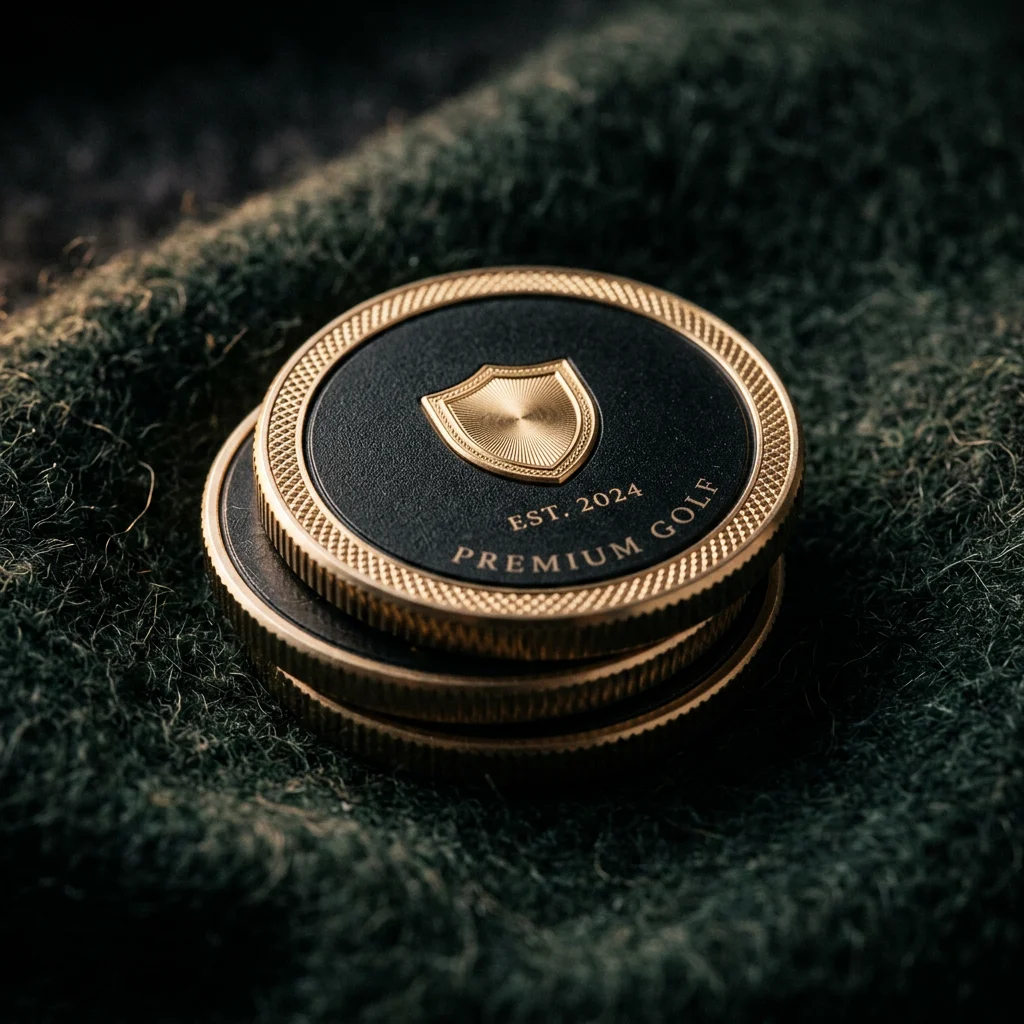
| Soft and hard enamel | Ball markers, divot tools, hat clips | Each color needs a raised metal line around it; avoid gradients |
| Deboss and emboss | Leather pouches, covers, glove tabs | One-color, shape-based logos work best; fine detail can fill in |
| Hot foil | Leather goods, packaging | Solid shapes; adds gold, silver or color to a debossed mark |
| Laser engraving | Metal tools, markers | Single color; precise text such as names and dates |
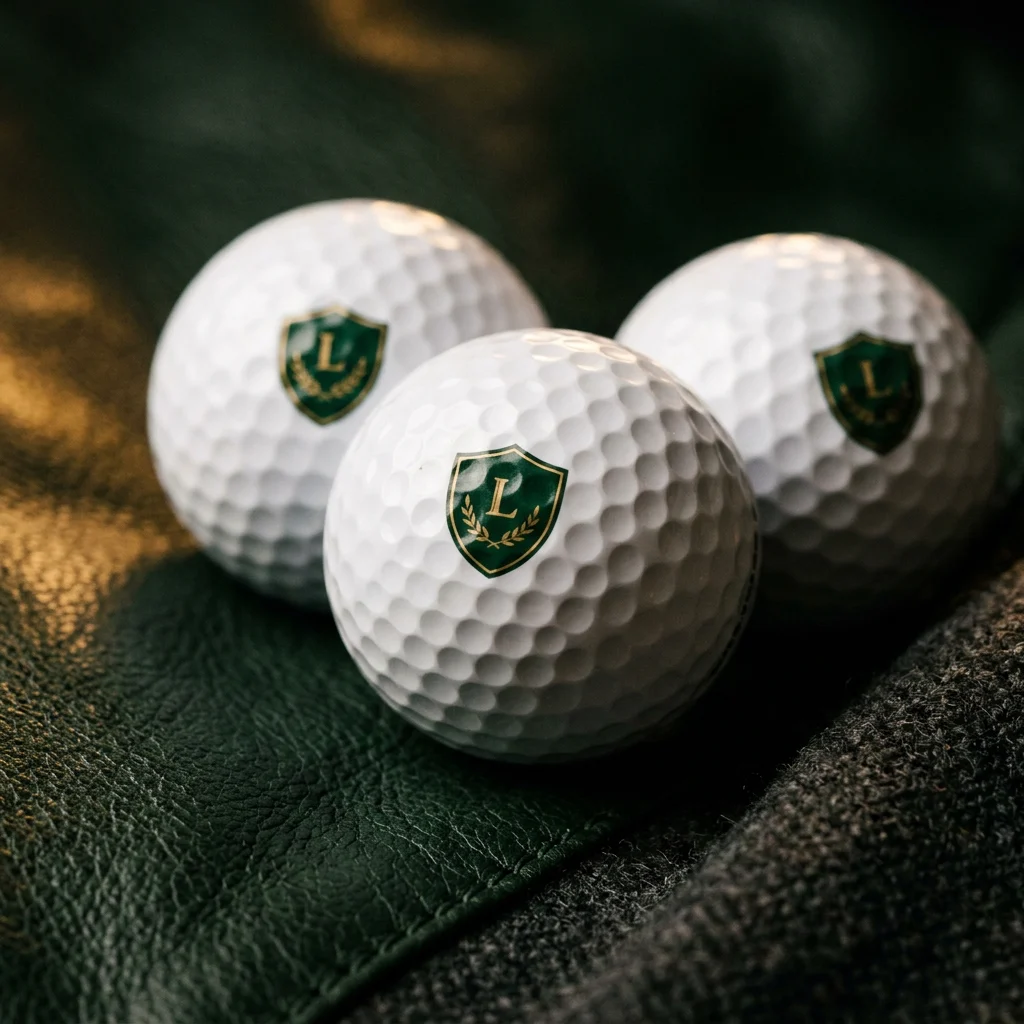
| Pad printing | Golf balls, tees | Few colors and a small print area; keep lines bold |
| Sublimation | Towels, some fabrics | Full color and gradients possible; send high-resolution artwork |
For deeper comparisons, see embroidery vs patch, soft enamel vs hard enamel, debossed vs embossed logos and our guide to golf ball logo printing.
How Big Should the Logo Be?
Size depends on the product and method, and a mockup is the easiest way to judge it. General rules help:
- Small products need simple logos. On a ball marker, tee or glove tab, a wordmark with thin letters can become unreadable. Use the icon alone or a bold version.
- Leave breathing room. A logo that touches seams or edges looks crowded. On headcovers, check how it sits when the cover is on the club.
- Consider the viewing distance. A towel or cap is seen from a few feet away; a pouch or marker is seen in the hand.
How Do You Get Colors Right?
Screens display color differently, so “our blue” is not enough. List your brand colors from your brand guide, ideally with a recognized color reference, and send a physical sample of a previous product if you have one. Then judge the color on the pre-production sample in daylight. Thread, enamel, ink and leather each take color differently, so small differences between materials are normal; what matters is that each one looks right next to your brand.
Common Artwork Problems and How to Fix Them
| Problem | What happens | Fix |
|---|---|---|
| Low-resolution screenshot | Edges look jagged when enlarged | Ask your designer for the original vector file |
| Text not outlined | Fonts swap or display incorrectly | Convert text to outlines before sending |
| Gradients and shadows | Cannot be reproduced in enamel, embroidery or deboss | Use a flat version of the logo |
| Very thin lines | Lines break in embroidery or fill in on enamel | Thicken lines or remove fine details |
| Too many colors | Higher cost and less crisp result on small items | Use a reduced-color or one-color version |
| White elements on white | Parts of the logo disappear | Decide the background color first, then adjust |
Preparing One Logo for Several Products
Most buyers order more than one item, for example headcovers, towels and markers. Rather than forcing the full logo onto everything, prepare a small logo kit:
- Primary logo: the full mark for towels, caps and packaging where space allows.
- Icon or monogram: for markers, tees, glove tabs and divot tools.
- One-color version: for debossing, laser engraving and pad printing.
- Color list: each brand color with its reference, plus which version is used on which product.
With a kit like this, mockups come back faster and products look like a coordinated range instead of one logo squeezed into different shapes.
Do You Need Rights to the Logo?
Only send artwork you own or are authorized to use, such as your company, club or event logo, or a sponsor’s logo with their permission. If you are building a brand, the USPTO trademark basics page explains how trademarks protect names and logos in the United States.
What to Include With Your Artwork Request
A complete request gets an accurate mockup on the first try. Along with the logo files, include:
- The products you are considering and the quantity of each design.
- Preferred logo method, or ask us to recommend one.
- Brand colors with references, and the product colors you have in mind.
- Logo position, for example back of the glove, front of the headcover or corner of the towel.
- Any packaging or labeling you want branded.
- The date you need the goods in hand.
Send Your Logo for a Free Mockup
Upload your logo with the products you are considering. We will advise on file and method, and send a digital mockup within 1–2 business days.
FAQ
What logo file format is best for custom golf accessories?
Vector files such as AI, EPS, PDF or SVG work best because they scale cleanly and colors can be separated for each logo method.
Can I send a PNG or JPG logo?
Yes. Send it and we will advise. Raster files can be used for a first mockup but may need redrawing or simplifying for production.
Do you charge for logo mockups?
No. Digital mockups are free.
Why does my logo need to be simplified for a ball marker?
Small products leave little space, and enamel needs metal lines between colors. Thin text and fine detail can fill in or blur, so a bold or icon-only version is often sharper.
Which logo methods do you offer?
Embroidery, die-struck soft and hard enamel, debossing and embossing, hot foil, laser engraving, pad printing and full-color sublimation, depending on the product.
Conclusion
Good artwork makes every product look better. Send a vector file, list your exact colors, accept that small products need simpler logos and use the free mockup to decide size and placement before the sample. A few minutes spent preparing artwork can save a full round of re-sampling.


